Watch video here
- Visit money.sticitt.co.za and proceed to log in.
- On the Home screen scroll down to “Tags” and select the tag you want linked to your child’s account.
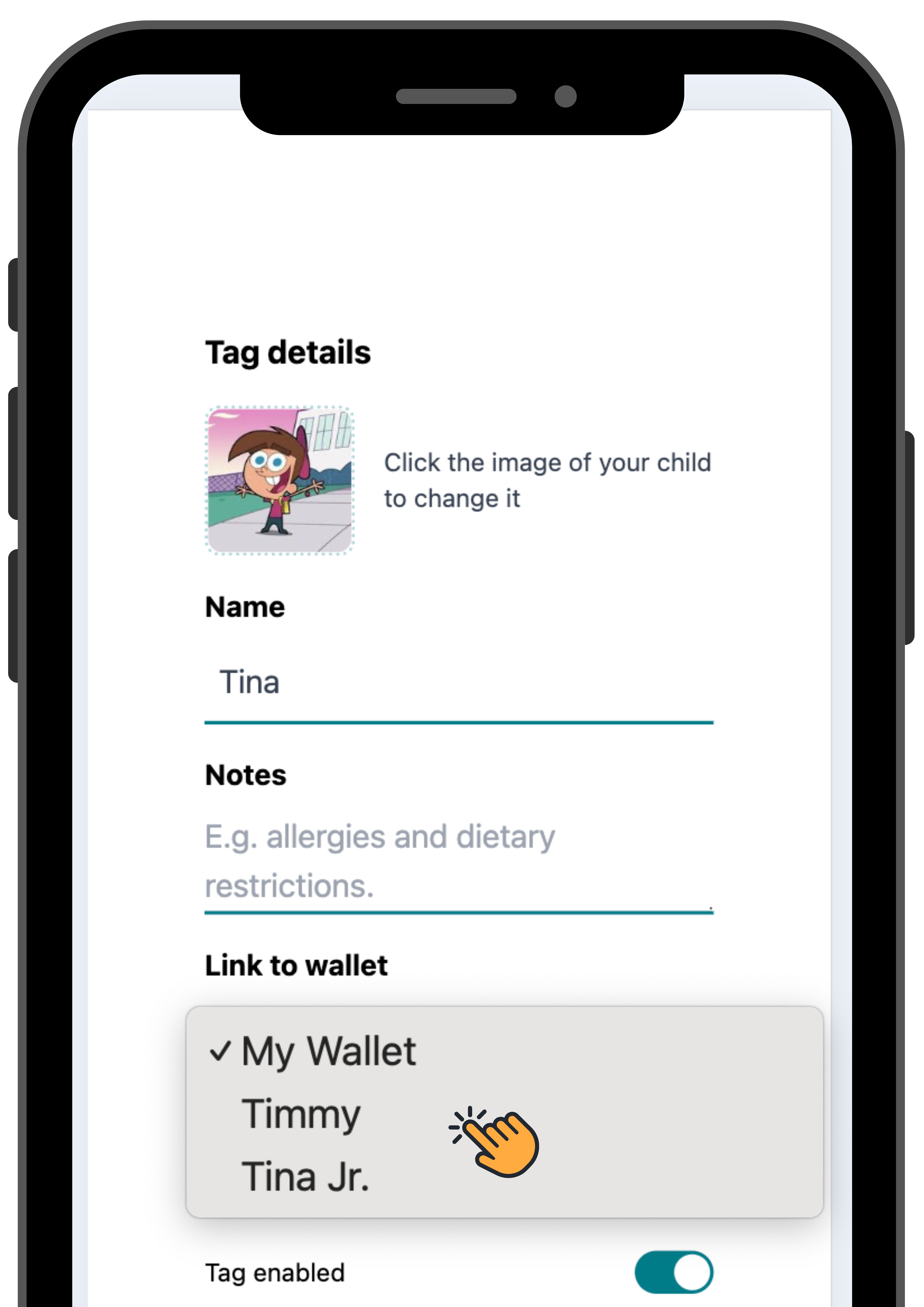
- Under “Link to wallet” select your child’s account and proceed to “Save”.
- The tuckshop tag will now use funds from your child’s account.
- Besoek money.sticitt.co.za en gaan voort om aan te meld.
- Op die tuisskerm, blaai af na "Tags" en kies die snoepie bandjie-of kaart wat jy aan jou kind se rekening wil koppel.
- Onder "Link to wallet", kies jou kind se rekening en gaan voort na "Save".
- Die snoepie bandjie-of kaart sal nou fondse van jou kind se rekening gebruik.