Watch video here
- Open your d6 App and proceed to “Payments”.
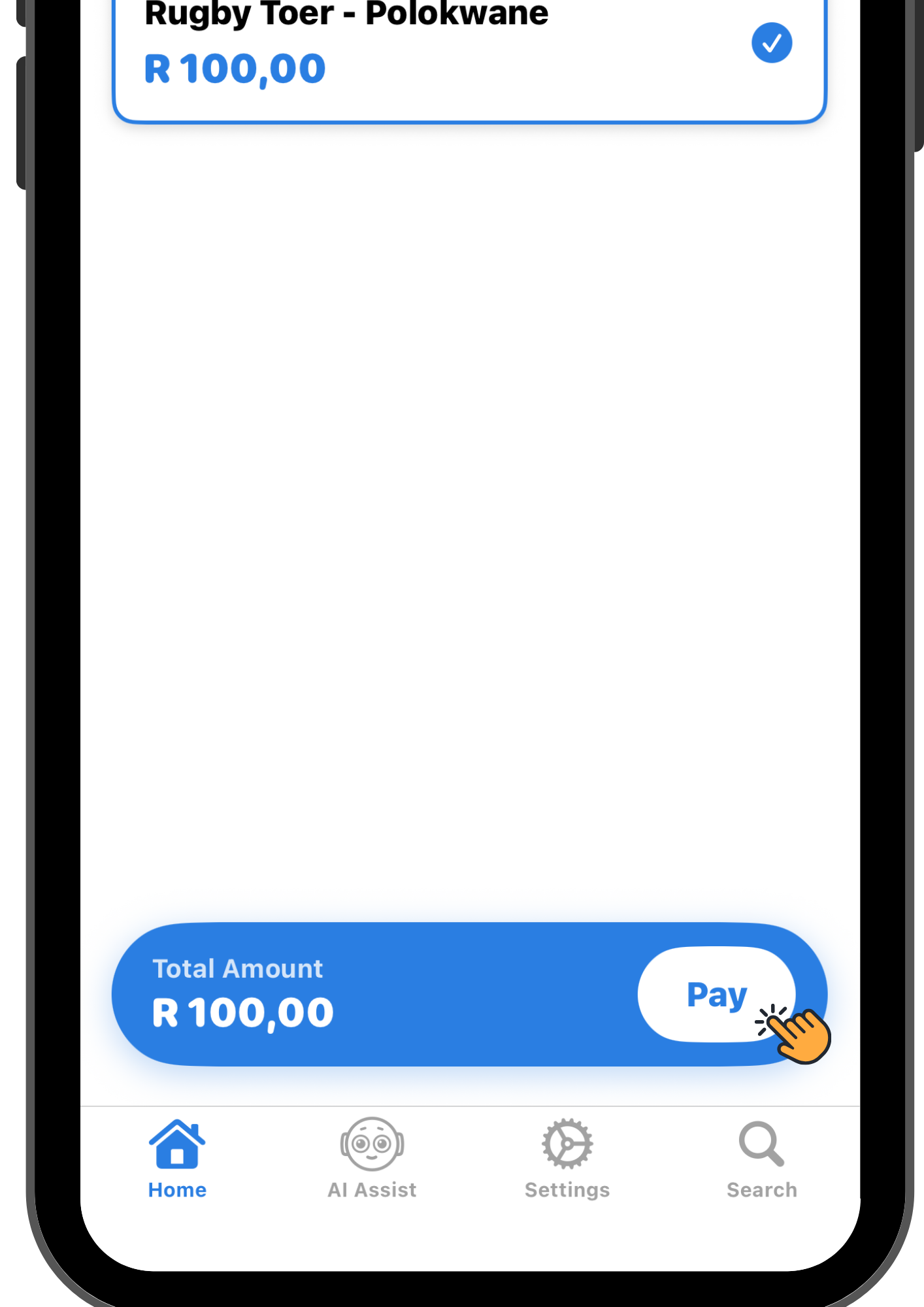
- Select the payment you would like to complete and proceed to “Pay”.
- Select a payment method then “Pay”.
- Your payment is now complete.
- To load funds into your Sticitt wallet select "Settings" and scroll down to “Load Funds”.
- Maak jou d6 toepassing oop en gaan na "Betalings".
- Kies die betaling wat jy wil voltooi en gaan na "Betaal".
- Kies 'n betaalmetode en dan "Betaal".
- Jou betaling is nou voltooi.
- Om fondse in jou Sticitt-beursie te laai, kies "Instellings" en blaai af na "Laai Fondse".