Watch video here
- Visit money.sticitt.co.za and proceed to log in. Proceed to the account of the child for whom you want to order a card.
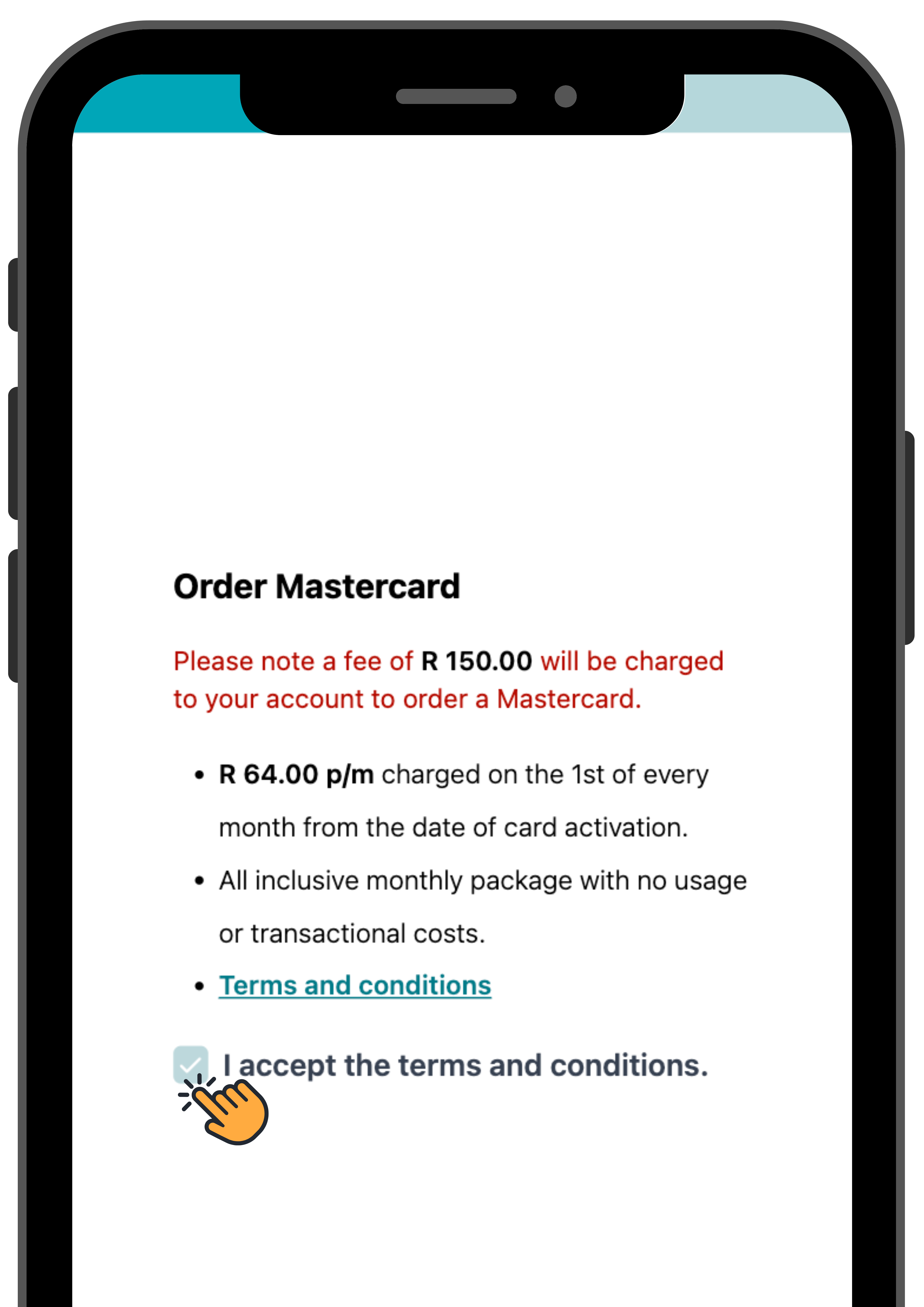
- On the Mastercard section of the page, select “Order Mastercard”. Accept the terms and conditions and the fee, then proceed to “Next”.
- Upload all the relevant documents and “Submit”. Your order is now processing.
- After your order has been processed and delivered you can confirm delivery, which will automatically activate your child’s Mastercard.
- Ensure your child has funds in their account to use their Mastercard.
- Besoek money.sticitt.co.za en gaan voort om aan te meld. Gaan na die rekening van die kind vir wie jy 'n kaart wil bestel.
- Kies "Order Mastercard" in die Mastercard-afdeling van die bladsy. Aanvaar die bepalings en voorwaardes en die fooi, en gaan dan voort na "Next".
- Laai al die relevante dokumente op en "Submit". Jou bestelling word nou verwerk.
- Nadat jou bestelling verwerk en afgelewer is, kan jy aflewering bevestig, wat outomaties jou kind se Mastercard sal aktiveer.
- Maak seker dat jou kind fondse in hul rekening het om hul Mastercard te gebruik.