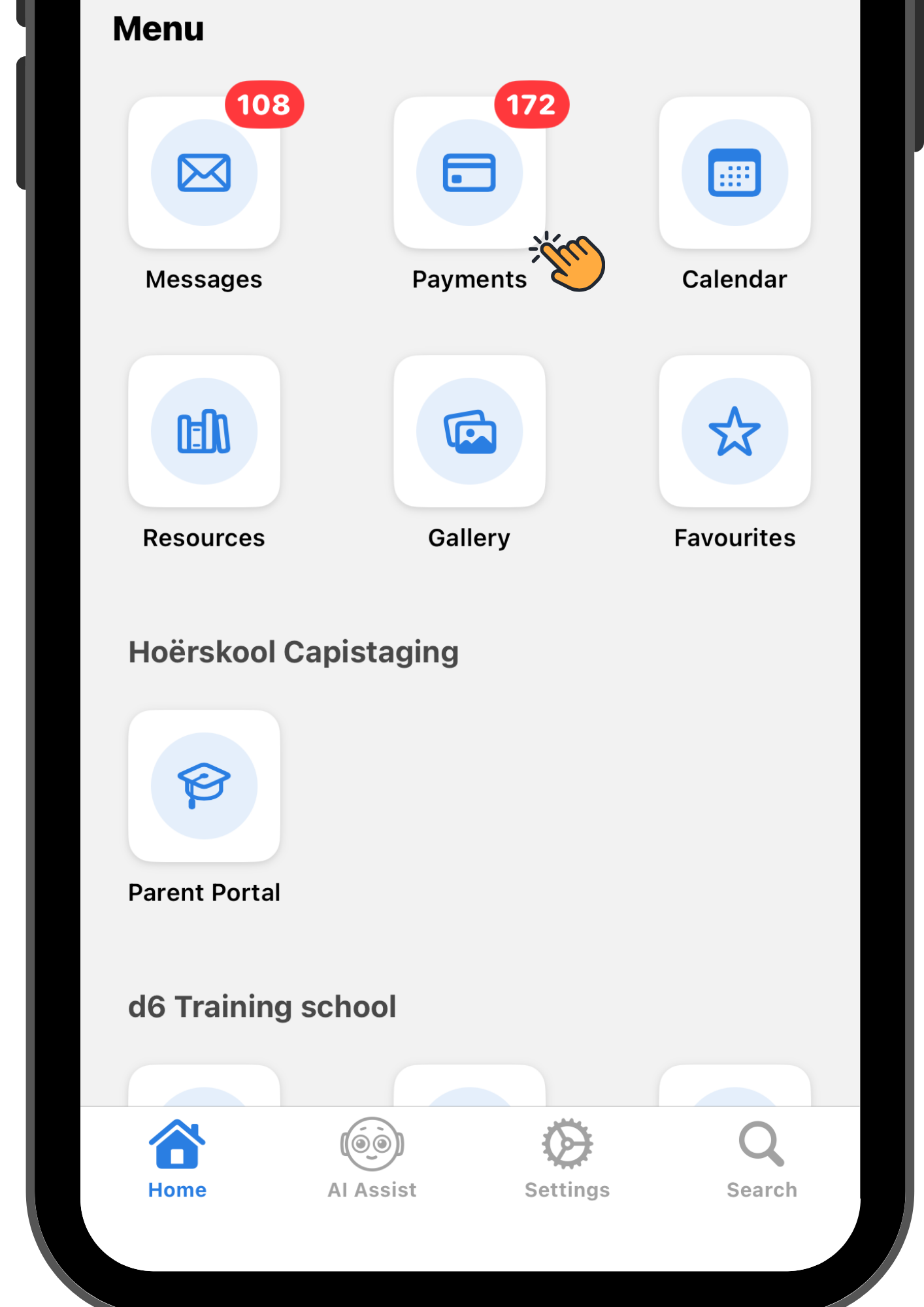
Watch video here
- Open your d6 app and proceed to “Payments” .
- To complete a school fee payment select “School Fees” then proceed to complete your payment.
- To complete a project payment select “Pay” on one of the listed projects, enter an amount then proceed to complete your payment.
- Select a payment method then proceed to “Pay”. Your payment is now successful.
- Maak jou d6 toepassing oop en gaan na “Betalings”.
- Om 'n skoolgeldbetaling te voltooi, kies “Skoolfooie” en gaan dan voort om jou betaling te voltooi.
- Om 'n projekbetaling te voltooi, kies “Betaal” vir een van die gelyste projekte, voer 'n bedrag in en gaan dan voort om jou betaling te voltooi.
- Kies 'n betaalmetode en gaan dan voort na “Betaal”. Jou betaling is nou suksesvol.